In brief
A go-live checklist for finance and IT covering the ZATCA notice, actual production units, clearance, reporting, incident drills and the first VAT close.
Before going live with Fatoora, test how every issuing setup sends invoices and how finance accounts for them. A working demonstration covers the test environment. Keep separate evidence that the right taxpayer and issuing units are ready for production.
Agree on what goes live and when
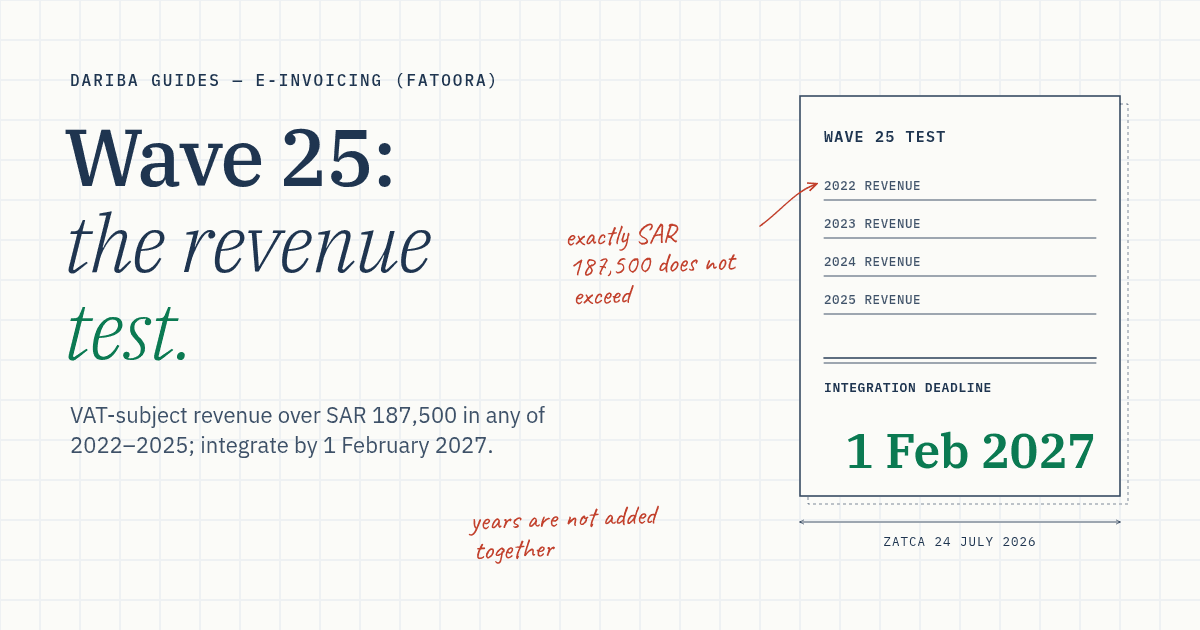
Record the VAT registration number, applicable ZATCA notice and date, and any earlier integration obligation. List the systems that create, sign and send documents. A store with several terminals may rely on a server for some of those functions. Map production credentials against the architecture actually used. Assign an owner from finance, IT or the vendor to each test.
Keep evidence for each invoice flow
| Test | Evidence to keep | Pass when |
|---|---|---|
| Standard invoice | Submitted XML, clearance response, cleared document and buyer-delivery timestamp | The ordinary flow delivers the cleared invoice to the buyer after clearance. |
| Simplified invoice | Generated and stamped XML, generation time, reporting attempt and response | The solution sends the document within 24 hours of generation and records the outcome. Finance can see documents that still need attention. |
| Credit note | Original invoice reference, approved adjustment, note, matching Fatoora response and ledger entry | The note follows the applicable document route, links to the original and posts the change once. |
| Timeout and rejection | Test responses, document identifiers, retry log and audit trail | Staff distinguish an uncertain submission from a validation rejection. A retry cannot create duplicate revenue and corrected documents preserve the required sequence. |
| Incident drill | Start and restoration times, affected units, escalation decision and completion log | Staff identify which system failed, know when to use ZATCA’s notification service and can reconcile every affected transaction after restoration. |
| Ledger and archive | Sales extract, Fatoora response file, VAT totals and a retrieval check | Finance traces a sample in both directions and can explain any gaps before signing off. |
Use a safe test environment to simulate failures. For the production check, use a genuine transaction when available and retain the response. Restrict access to production credentials and customer data in the evidence pack.
Decide how exceptions get resolved
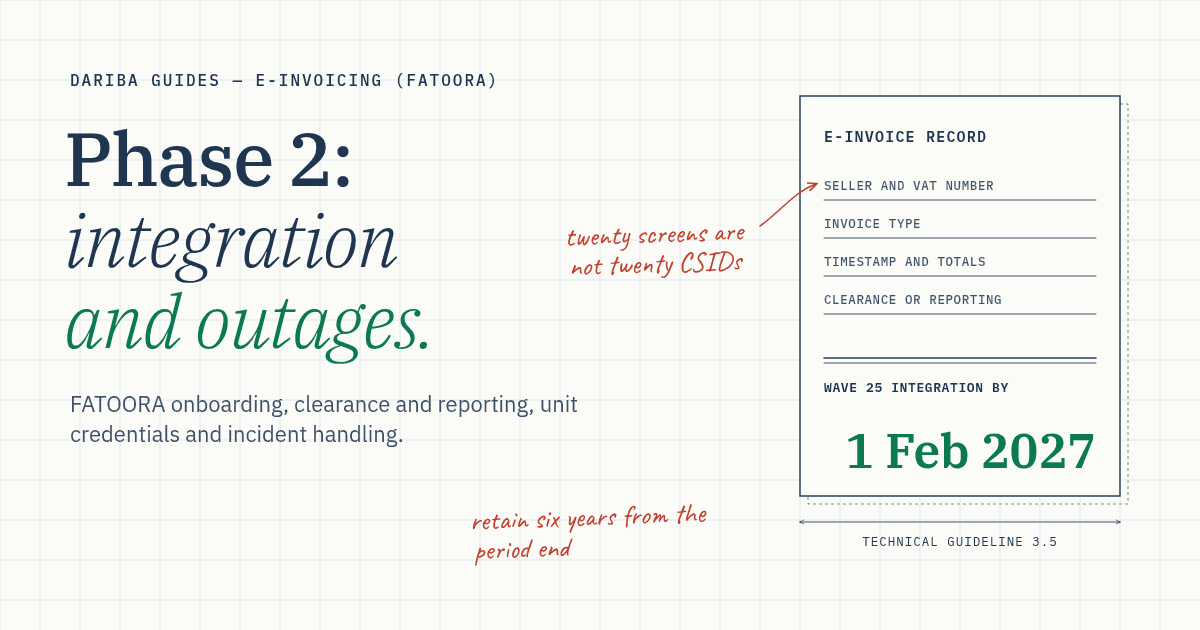
Give finance a list of pending, rejected and accepted-with-warning documents. Record the owner, next action and expected resolution for each. A successful connection confirms the system can communicate with Fatoora. The response for each document tells you whether that submission passed, passed with warnings or failed.
Ask the vendor to demonstrate the distinction between retrying the same generated document and issuing a corrected new one. Keep both records where a correction is required. ZATCA’s technical guidance describes different simplified rejection scenarios, so check the response and correction requirements before issuing a note or replacement.
Sign off on the first close as well as the first invoice
Run the checklist for each distinct issuing setup. Finance should confirm tax treatment, timing and ledger reconciliation. IT or the vendor should confirm credentials, queues, response handling and recovery. Keep any open defects with a named owner and a resolution plan. The VAT reconciliation guide shows how to carry that evidence into the first return.
Dariba is independent of ZATCA. This is an operational checklist for general information. Confirm your notified date and current technical requirements.
Sources
- ZATCA E-Invoicing Implementation Resolution, Arabic textClauses First, Second and Fifth to Seventh and Annexes One and Two. Document routes, integration, incidents and records.
- ZATCA Detailed Technical Guideline for E-InvoicingSections 3.5 and 4.1–4.3. EGS architecture, onboarding, clearance, reporting and rejection FAQs.
- ZATCA Wave 25 announcement, 24 July 2026Published cohort and 1 February 2027 date. Check the taxpayer’s actual integration notice.
- ZATCA E-Invoicing Failure Notification ServiceOfficial service for qualifying incidents that hinder generation.